 UFO
UFOCreate an observation
Draw it in the editor, have an AI assistant write it from the case file, or write it yourself. All three produce the same thing: one JSON file that is yours, and that anybody can replay.
1. In the editor#
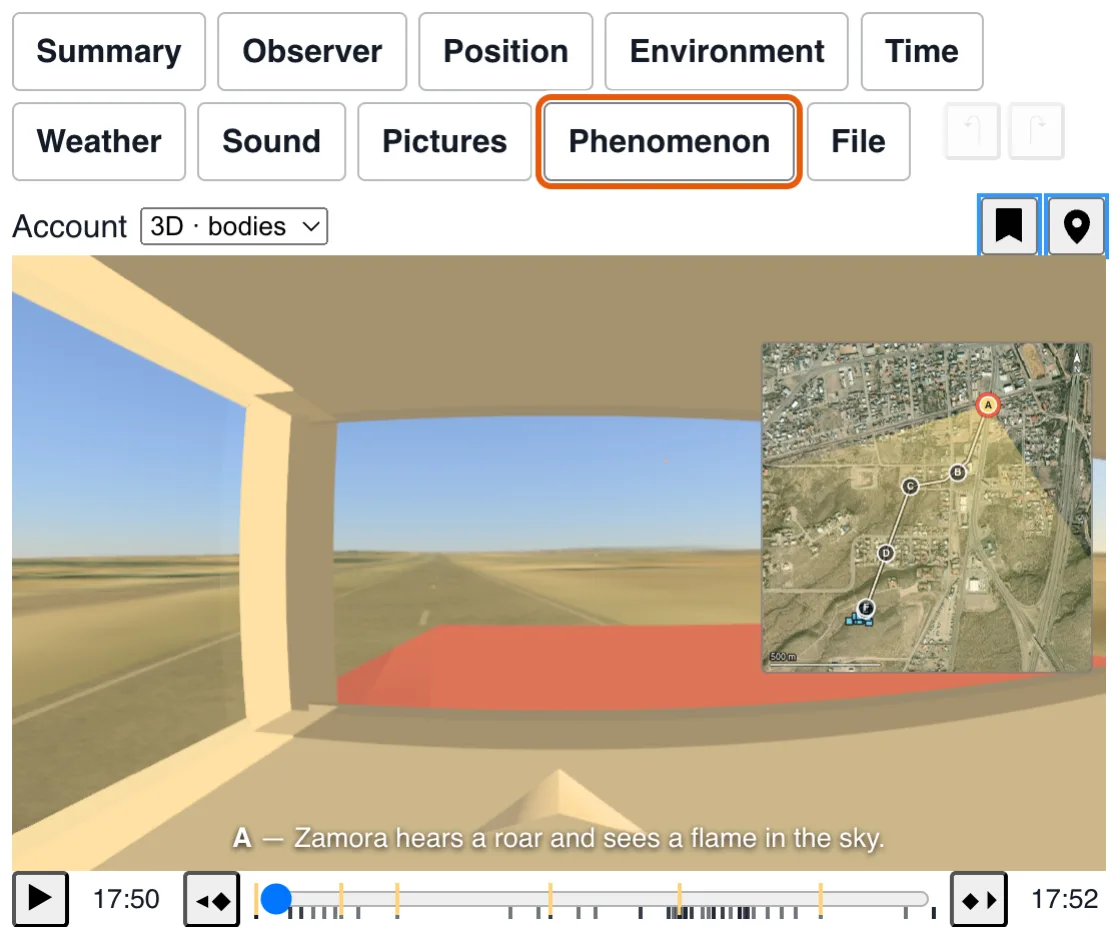
The ordinary way, and the one to use unless you have a reason not to. Draw what was seen, say when and where, record how it moved — and the sky, the weather and the ground are looked up for you rather than remembered.
Open the editor Read the manual
It ends with Save, which hands you a file. That file is the whole recording: there is no account and nothing kept here. Put it somewhere with a public address and it is ready to share.
Already have one and want to change it? The editor opens on an existing recording — the
?
panel of every published reconstruction carries the link that does it.
2. With an AI assistant, from the case file#
When a case already has its documents (a report, a questionnaire, a statement, sketches, photos of the place, a map), the quickest way is often to hand them to an AI assistant that can read PDFs and images and run a little code, point it at this documentation, and have it write the file. It reads the account, measures the drawings, computes directions from the map, looks up what can be looked up, and writes what it found in the format. You then look at the result, and tell it what is wrong.
The assistant knows nothing about the case but what you give it, and nothing about the format but what these pages say. So ask it for the discipline an investigator would keep:
Here are the documents of a sighting case. Build a UFO@home recording
of what the observer saw: the JSON file described at
https://ufoathome.org/docs/format/ , checked against
https://ufoathome.org/sighting.schema.json .

- State only what the documents support. Write each value you worked
  out as {"value": ..., "basis": "derived", "rationale": "..."} and
  each value you had to choose as "basis": "assumed".
- The phenomenon is angles only: its direction (aim) and apparent size
  (angular) at each moment. Metres the observer gave go in
  "interpretation", never in the shapes.
- One recording per observer. When there are several, also write the
  case file that lists them (see "Several observers: the case").
- Take people, vehicles, trees and buildings from the catalogue at
  https://ufoathome.org/models/index.json , by id: never invent a model.
- Say in "summary", in a sentence or two, what the case is about.
- List the contradictions between the documents, and the questions to
  put back to the observer or the investigator.
Two more things worth telling it. What the player works out by itself from the date and the place (the sky, the planets, the Moon and eclipses, the satellites, the relief and the imagery) is not to be written into the file: the page Sources and choices lists what is read and from where, and what the file has to bring is only what the documents say. And the models are chosen from the catalogue by id, which also says which settings each one offers (modelParameters): a person is never drawn as a built-in shape.
Or install the UFO@home skill in your assistant: the same instructions,
with the method, the format's rules, the schema, an example and a validator that needs only
Python, so you only have to hand it the documents.
Download the skill (a zip to add to Claude's
skills, or to unpack in ~/.claude/skills/ for Claude Code), or
read it first.
Then check what it wrote, the way you would check a colleague's work:
- Play it. Open it in the player, from your computer with the photos it names. Is the phenomenon where the drawings put it, against the right trees, at the right height above the horizon? Say what is off, and have it corrected.
- Read the
assumedvalues. They are the list of what nobody said. Each is a question for the observer, or a place where the reconstruction stands on a guess. - Finish in the editor what is easier to do with a mouse than with a sentence: moving a building by a few metres, nudging a direction until it sits on the photo.
- Show it to the observer. The only test that counts is whether they recognise what they saw.
An observer who has only their own account can do this inside the editor: type it in the Summary tab, choose what drafts it (Claude today: your own API key, and the model), and the editor drafts the rest of the recording from it, sending nothing anywhere but to that model.
An account is personal data. Before handing documents to an online assistant, remove what identifies the observer unless they agreed to it, and check what the service keeps. And an assistant can be wrong with confidence: the file is only as good as the documents behind it and the checking after it.
3. By hand, or from your own archive#
A recording is a file with a documented shape, so nothing stops you writing one in a text editor, or generating a thousand from a database you already have: it is exactly what the editor itself writes.
Everything the editor writes, field by field, with a whole file to type in and the demos worth reading, is on its own page: the sighting file.
Sources and choices#
Nothing the tool draws is invented. Each value comes from a named source, read at a stated moment, and where no record exists the interface says so instead of filling the gap.
Drafting and assessment
| Source | What it provides | When it is read | Hosting and credit | Choices and limits |
|---|---|---|---|---|
| Claude (Anthropic) | A first draft of a recording from a written account, each value marked as stated, derived or assumed. | Only when the author opens the panel and gives their own API key. | Called from the browser with the author's key; nothing passes through ufoathome.org. | No server of ours, so no account and no key held here. The draft is a proposal the author edits, never a result. |
| Hynek classification | The close-encounter category a recording supports, beside the tool's own coverage questions. | Computed in the page. | After J. Allen Hynek. | Categories the format cannot state (a physical trace, a radar return) are marked unsupported rather than guessed; tags are not taken as evidence. |
The detail of each choice, with the measurements that settled it, is in the code comments of each source in the repository.